
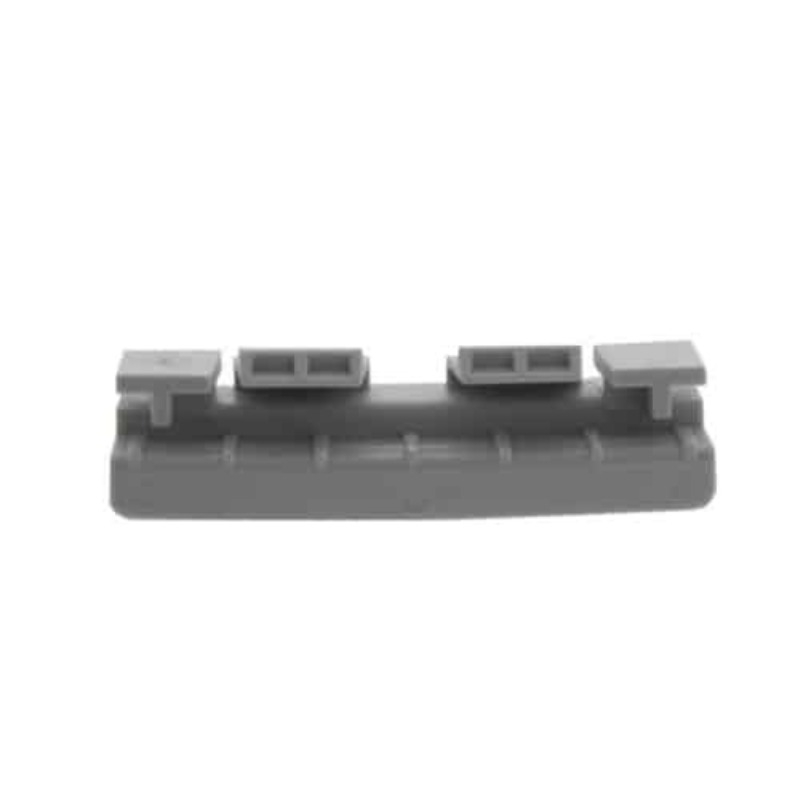
No specifications available for this product.
No replacement parts or accessories are linked for this product.
Short, focused videos from sleep and equipment experts to help you get the most out of this product.
Check back later or browse our guides for helpful tips.
Clear answers to common questions about this product, therapy, and ordering so you can feel confident before you buy.
No FAQs have been added yet. Check back later or contact support.
CPAPRX made the entire process smooth and stress-free. The product quality is excellent and delivery was quick. Highly recommended for anyone struggling with sleep apnea.
I have been using my CPAP machine from CPAPRX for months now and the improvement in my sleep quality is incredible. The mask fits perfectly and the support team was very helpful.
Excellent experience with CPAPRX. From ordering to delivery, everything was seamless. Their team guided me well in choosing the right equipment.
The CPAP mask I ordered from CPAPRX is comfortable and easy to use. I wake up feeling refreshed and energetic every morning.
As a long-time CPAP user, I can confidently say CPAPRX provides reliable products and outstanding customer service. They truly care about patients.
CPAPRX made the entire process smooth and stress-free. The product quality is excellent and delivery was quick. Highly recommended for anyone struggling with sleep apnea.
I have been using my CPAP machine from CPAPRX for months now and the improvement in my sleep quality is incredible. The mask fits perfectly and the support team was very helpful.
Excellent experience with CPAPRX. From ordering to delivery, everything was seamless. Their team guided me well in choosing the right equipment.
The CPAP mask I ordered from CPAPRX is comfortable and easy to use. I wake up feeling refreshed and energetic every morning.
As a long-time CPAP user, I can confidently say CPAPRX provides reliable products and outstanding customer service. They truly care about patients.